
Last updated November 4, 2026
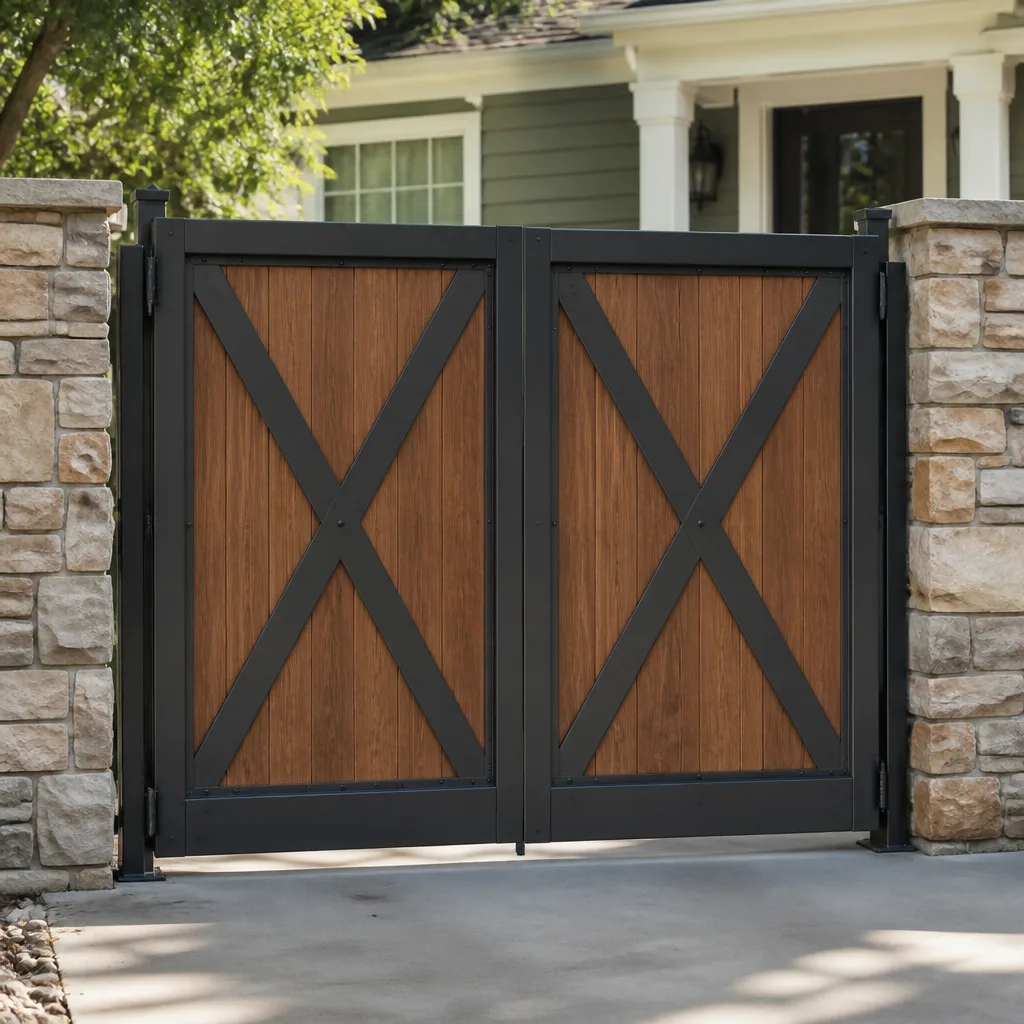 Wood & steel frame
 Wrought iron
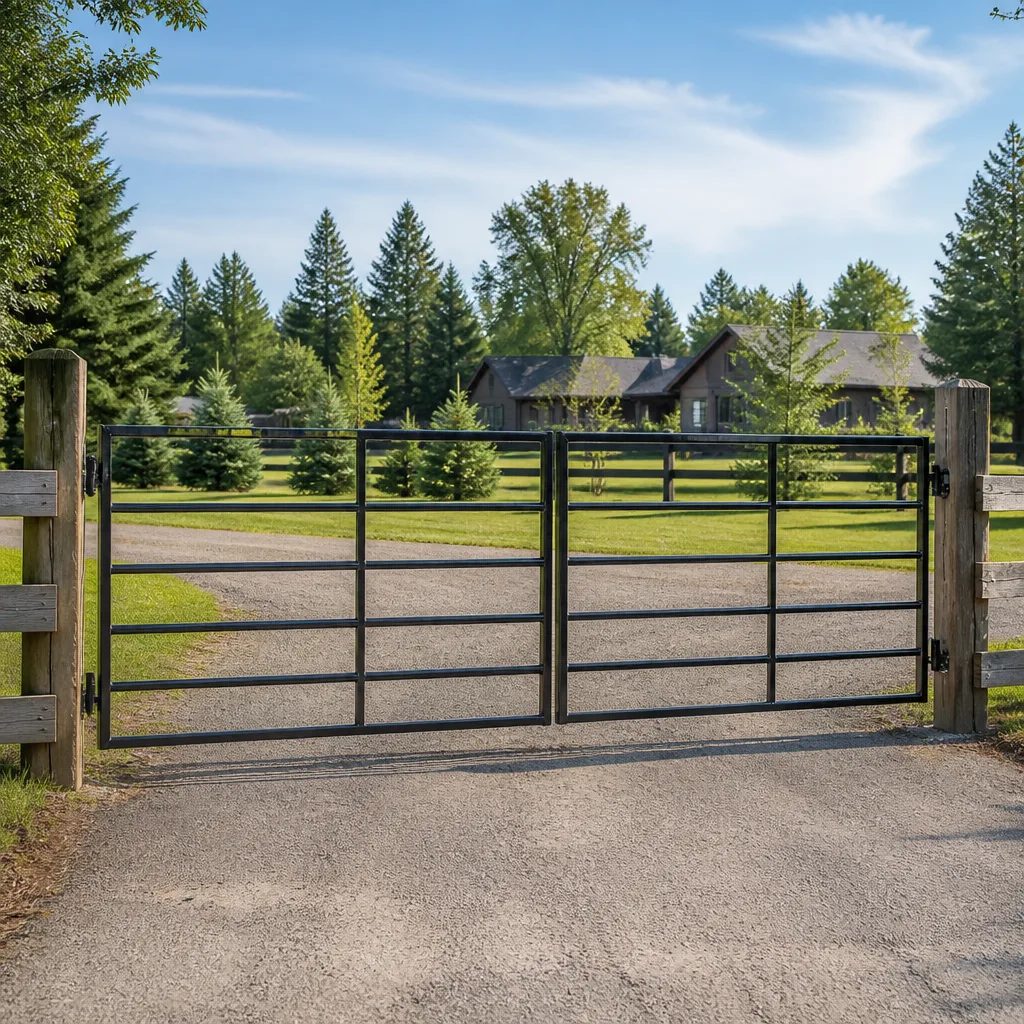 Farm & ranch
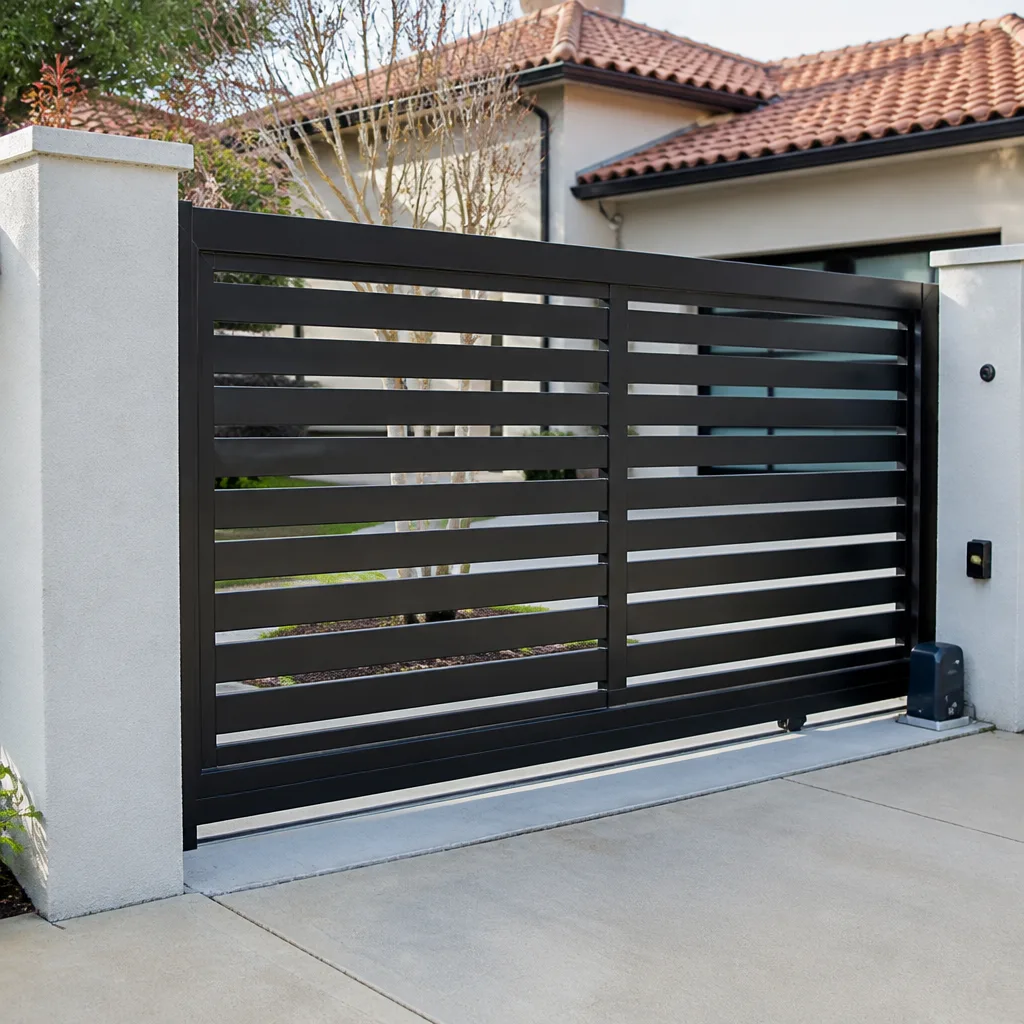 Sliding driveway gates
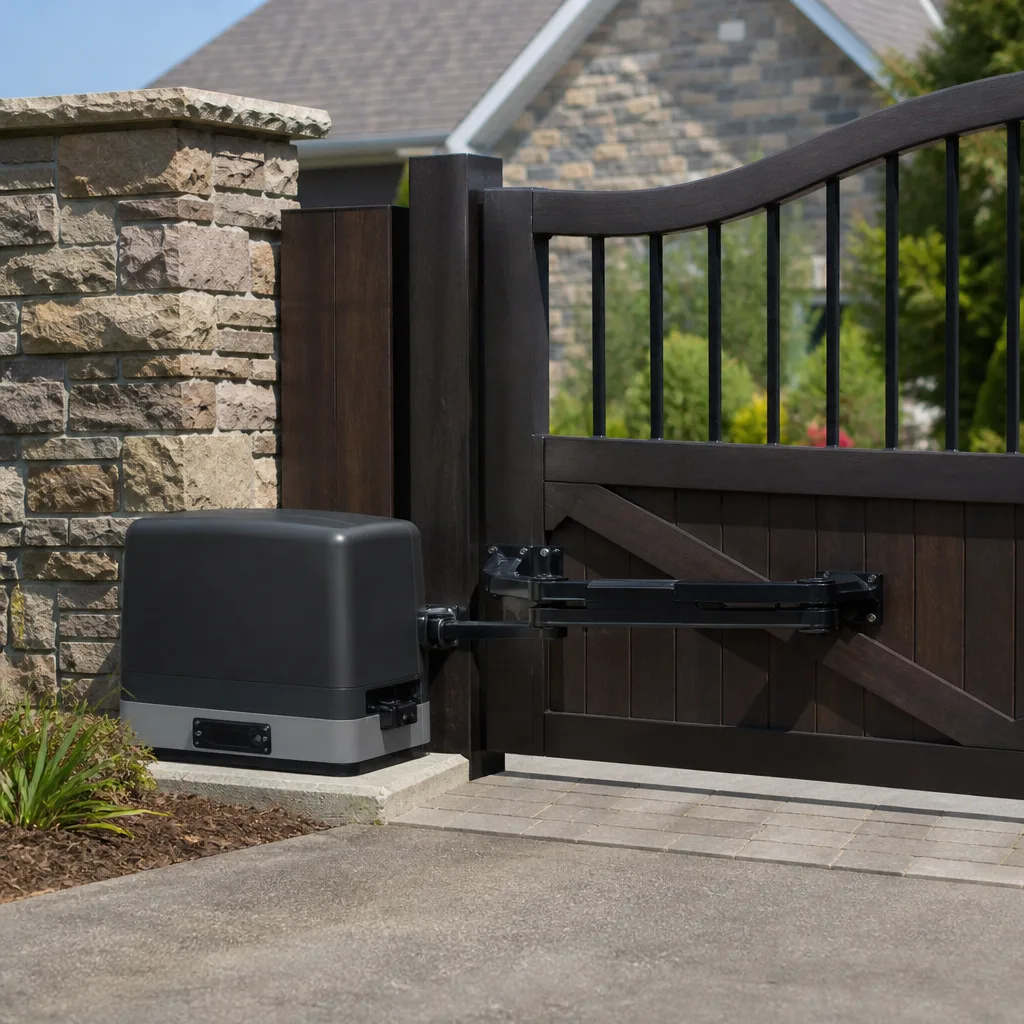 LiftMaster operators
Free on-site gate assessment - hinges, posts, and your LiftMaster or Nice gate operator checked before anything is quoted
The assessment is free and the quote is the invoice.
Get your free estimateGate Repair Troubleshooting in Lynwood: Common Problems and How to Fix Them
The gate that “just stopped working” almost never stopped for one reason. In our experience, most failures are a chain: a sensor drifts out of alignment, which makes the control board retry the cycle repeatedly, which overheats a relay, which eventually kills the motor. A generalist technician replaces the motor. The gate works for three weeks, then fails again because the sensor was never touched. We see this pattern constantly in Lynwood, where property owners have everything from Mighty Mule kits on backyard driveways to commercial DoorKing slide systems at apartment entrances. This guide gives you a framework for categorizing the failure before you spend a dollar on parts. If you can identify whether the problem is power, signal, or mechanical, you’re already ahead of most repair calls we walk into.
Quick Answer
Most gate problems fall into one of three categories: power (no electricity reaching the operator), signal (the control board, remote, or safety sensors aren’t communicating), or mechanical (a physical component has worn down, shifted, or seized). Start by checking whether the gate has power, then whether the operator responds to manual input, then whether anything is physically blocking or binding the gate. If the symptom is a gate that won’t close all the way, a slow-moving gate, or a gate that reverses unexpectedly, the specific fixes below will point you in the right direction before you need to call for service.
Styles & brands we work with
- Wrought iron
- Wood & steel frame
- Farm & ranch
- Sliding driveway gates
- LiftMaster operators
Table of Contents
- The Three Categories: Power, Signal, and Mechanical
- Gate Won’t Open at All: Diagnosing a Power Failure
- Remote or Keypad Not Working: Signal Problems
- Gate Won’t Close All the Way: Limit Switches vs. Obstruction Sensors
- Why Is My Gate Moving Slowly?
- How Lynwood Humidity Affects Control Boards
- What’s Safe to Reset Yourself vs. What Needs a Specialist
- Common Mistakes to Avoid
- When to Call a Professional
- Frequently Asked Questions
The Three Categories: Power, Signal, and Mechanical
Before you touch anything, put the symptom into one of three buckets. This single step eliminates most of the guesswork that leads to wrong-part replacement. If the gate does nothing at all, you’re likely in the power category. If the gate works from one input but not another (keypad works, remote doesn’t), you’re in the signal category. If the gate moves but struggles, binds, grinds, or reverses, you’re in the mechanical category.
Here’s how to decide quickly:
- Power failure: No indicator lights on the control board, no click or hum when you press the button, the gate is completely dead. Also check whether other items on the same circuit work.
- Signal failure: The operator has power (lights are on, you hear a click) but the gate doesn’t respond to the remote, keypad, or a vehicle sensor loop. The control board isn’t receiving the command.
- Mechanical failure: The gate responds, the motor runs, but the gate moves slowly, stops mid-travel, reverses, or makes grinding or squealing sounds. Something physical is resisting or misaligned.
We work on gate repair problems across all three categories every week in Lynwood. The distinction matters because replacing a control board when the real issue is a seized hinge won’t fix anything, and replacing a motor when the board isn’t sending voltage is equally pointless. Once you know the category, the sections below take you through the specific diagnosis.
Gate Won’t Open at All: Diagnosing a Power Failure
A gate that does absolutely nothing when you press the remote or keypad usually points to power. Start with the obvious: is the operator plugged in or on a dedicated breaker? Many Lynwood homes have the gate operator on a GFCI outlet that trips silently. Check the breaker panel and any outdoor outlet the operator is connected to. Reset the GFCI button if it’s popped.
If power is reaching the operator but nothing happens, listen carefully. Do you hear a click when you press the button? A click means the control board is receiving the command and energizing a relay. No click could mean the board itself is dead, or that a fuse on the board has blown. Some operators have an inline fuse near the transformer. If the fuse is blown, replacing it may restore power, but a blown fuse often means something downstream shorted, so watch for a recurrence.
For battery-backup systems, which are common on commercial LiftMaster and DoorKing operators in Lynwood, a gate that works only when the battery is connected but not when it’s removed points to a failed charging circuit or a dead transformer. The gate may operate on battery power for a while, then stop entirely once the battery drains.
- Check the breaker and GFCI outlet first.
- Look for indicator lights on the control board. No lights means no incoming power.
- Press the button and listen for a relay click. Click but no movement points to the motor or a limit switch issue, not power.
- Inspect the control board for a blown fuse or burnt component.
- If the operator has battery backup, unplug the AC power and see if the gate still works on battery. If it does, the transformer or charging circuit is the failure point.
Power problems on sliding gates sometimes masquerade as mechanical problems. A slide gate that stops mid-travel and won’t restart could be a failing capacitor that can’t give the motor enough starting torque. If you’re not comfortable working around line voltage, this is where a specialist saves you time and risk. For electric gate issues of any kind, our electric gate repair covers the full diagnostic path from transformer to motor.
Remote or Keypad Not Working: Signal Problems
The gate has power. The control board lights are on. The manual open button on the operator works. But the remote does nothing. That’s a signal problem, and it’s one of the most common calls we get for residential gates in Lynwood.
Signal problems break down into a few subcategories. The remote transmitter itself may have a dead battery or a failed button. The receiver on the control board may have lost its programming. The antenna may be damaged or blocked. Or, in the case of a keypad, the wiring between the keypad and the board may have been chewed by rodents or degraded by moisture.
- Try a second remote. If neither works, the issue is likely at the receiver or board, not the remote.
- Replace the remote battery. This sounds obvious, but a weak battery produces a signal too faint for the receiver to catch.
- Check whether the operator has a “learn” button or programming mode indicator. If the remote was recently replaced, it may need to be paired again.
- Look at the keypad wiring if you have one. Corrosion at the terminals or a frayed wire can interrupt the signal entirely.
- Inspect the antenna. If it’s bent, broken, or touching metal, signal range drops dramatically.
Vehicle sensor loops under the driveway are another signal component. These loops detect a car and trigger the gate to open automatically. If the loop is cut, damaged, or its sensitivity is set wrong, the gate may not open for a vehicle even though the remote works fine. Diagnosing a loop requires a meter that can read inductance, which is not typical homeowner equipment.
One useful distinction: if the gate opens from the keypad but not the remote, the receiver or remote is the problem. If it opens from the remote but not the keypad, the keypad or its wiring is the problem. If it opens from neither but the manual button on the operator works, the receiver board itself may have failed. These distinctions tell you where to focus before you start replacing parts.
Gate Won’t Close All the Way: Limit Switches vs. Obstruction Sensors
When a gate stops short of fully closed, or closes and then immediately reverses, two components are usually in play: the limit switch and the obstruction sensor. Distinguishing between them doesn’t require any special tools, but it does require watching the gate carefully.
The limit switch tells the operator where the gate should stop in both the open and closed positions. On a swing gate, these are often magnetic reed switches or physical contact switches mounted on the operator arm or the gate itself. On a slide gate, they’re typically positioned along the track. If the limit switch for the closed position has shifted, the gate will think it’s fully closed when it’s actually a few inches short. The motor stops early, and the gate sits there looking almost-but-not-quite closed.
An obstruction sensor problem looks different. The gate will close all the way, touch the closed position, and then immediately reverse and open again. That’s the safety feature doing its job, except it’s responding to a false signal. Photoelectric sensors on either side of the gate opening may be misaligned, dirty, or blocked by overgrown landscaping. A reflective sensor with a dirty mirror produces the same effect. The board thinks something is in the path, so it refuses to stay closed.
Here’s how to tell them apart:
- Gate stops short and stays there: limit switch for the closed position has moved or failed.
- Gate closes fully then reverses immediately: obstruction sensor is misaligned, dirty, or receiving a false signal.
- Gate reverses mid-travel before reaching the closed position: something physically blocks the path, or the motor’s current-sensing circuit is tripping due to mechanical resistance.
Cleaning a photo eye with a dry cloth and realigning it so the two eyes face each other directly often resolves the reverse-on-close symptom. Checking a limit switch usually means opening the operator housing, which is where you want to be careful around capacitors that store a charge even when power is off.
Why Is My Gate Moving Slowly?
A slow gate is not a single problem. The fix depends entirely on what type of operator you have. Hydraulic operators and electromechanical operators fail in different ways, and applying the wrong fix makes things worse.
On a hydraulic swing gate operator, which is common on heavier residential gates and many commercial installations in Lynwood, slow movement usually means low hydraulic fluid, air in the system, or a failing pump. Low fluid is the most common cause, but adding fluid without checking for a leak only delays the repair. If you see oil residue around the cylinder or the pump housing, the leak is the real problem. A pump that struggles to build pressure moves the gate slowly even with full fluid.
On an electromechanical operator, which is what most Mighty Mule and Ghost Controls systems use, slow movement points to a different set of causes. The capacitor that gives the motor its starting torque may be weak. The gearbox may be low on grease or have a worn gear. The gate hinges may be binding, forcing the motor to work harder. The gate itself may have sagged on its hinges, which adds friction that the operator wasn’t designed to overcome.
For slide gates, the track condition matters enormously. Debris in the track, a bent V-wheel, or a misaligned track causes the gate to crawl or stall. In Lynwood, where landscaping includes fast-growing plants and trees that shed into gate tracks, this is a frequent culprit on residential slide gates. Clearing the track and checking that the gate rolls freely by hand with the operator disengaged tells you whether the track or the motor is the problem.
The key diagnostic: disengage the operator and push the gate manually. Does it move freely? If yes, the operator is the problem. If no, the gate hardware, hinges, or track are the problem. This one test separates mechanical resistance from operator failure and saves you from replacing a motor that was never the issue.
How Lynwood Humidity Affects Control Boards
Lynwood’s climate creates a specific failure pattern we see on a regular basis: control boards that look electrically dead but are actually suffering from corrosion. The humidity here doesn’t flood a board all at once. It works slowly, condensing on the board’s surface in the cool early morning hours and then evaporating during the day. Over months, the residue builds up across solder joints and between terminals.
The symptom pattern of humidity-related corrosion is distinctive. The gate works fine for weeks, then glitches once, then works again. The glitches become more frequent. Eventually the board fails altogether, but a visual inspection shows no burnt components. What you see instead is a faint whitish or greenish film on the board, or discoloration around the terminals.
This matters because a board with corrosion damage will often test fine on a bench and then fail again after a few weeks in the field. The corrosion creates intermittent bridges between circuits that only appear under specific temperature and humidity conditions. A technician who replaces the board without addressing the enclosure’s ventilation or a worn gasket is setting up a repeat failure.
For gate operators in Lynwood, the enclosure itself deserves attention. Cracked housings, missing gaskets, and improperly sealed conduit openings let moisture in. We check the enclosure seal as part of any board replacement, because a new board in a leaky box is just a future service call. If you open your operator and see condensation, water stains, or corrosion, that’s the root cause to address, not just the board it damaged.
What’s Safe to Reset Yourself vs. What Needs a Specialist
The line between a safe reset and a dangerous repair comes down to stored energy. Anything that involves springs, hydraulic pressure, or heavy moving panels can injure you. Anything that involves pressing a button, checking a breaker, or cleaning a photo eye is within reach for most homeowners.
Safe to do yourself:
- Reset the breaker or GFCI outlet.
- Replace a remote battery or reprogram a remote using the operator’s learn button.
- Clean photo eyes and realign them so they face each other.
- Clear debris from a slide gate track.
- Visually inspect the operator for obvious damage, water stains, or burnt components.
Leave to a specialist:
- Any work on hydraulic cylinders, hoses, or fluid. Hydraulic pressure can inject fluid under your skin even through a pinhole leak.
- Any adjustment of gate springs or tensioning systems on a swing gate. Stored energy releases suddenly.
- Any board-level diagnosis where you’re not confident which component failed. Replacing a board you haven’t correctly diagnosed wastes money.
- Any slide gate repair where the gate has come off its track or the wheels are damaged. A partially supported slide gate can fall.
- Any wiring work on a 120V or 240V circuit, or anything involving the main electrical supply to the operator.
We respect a property owner who has reset a breaker and cleaned a sensor before calling us. That saves a service trip. What we don’t want is someone opening a hydraulic cylinder or reaching under a slide gate that’s off its track. Get the diagnosis started, identify the category, and then make the call about what’s safe to touch.
Common Mistakes to Avoid
- Replacing the motor before checking the capacitor. A weak capacitor on an electromechanical operator produces the same symptom as a failing motor. The capacitor costs a fraction of the motor and is often the actual failure. We’ve seen property owners in Lynwood spend hundreds on a motor when a capacitor would have fixed it.
- Ignoring the enclosure seal when replacing a control board. The old board didn’t fail in a vacuum. It failed because moisture got in. Putting a new board in the same leaky enclosure guarantees the same failure.
- Treating a slow gate as an operator problem without checking the gate hardware. Disengage the operator and push the gate by hand. A gate that’s hard to move manually will burn out any operator you put on it.
- Adding hydraulic fluid without finding the leak. Low fluid is a symptom. The leak is the problem. Topping it off just spills more fluid on the ground and delays the real repair.
- Assuming a dead remote means a dead board. Exhaust the simple explanations first: battery, programming, antenna. A board replacement is the last resort, not the first move.
- Ignoring a gate that reverses occasionally. Intermittent safety-sensor trips often mean the sensor is slowly drifting out of alignment or the wiring is degrading. Waiting until the gate refuses to close at all turns a small adjustment into a full diagnostic.
When to Call a Professional
Some problems are worth a service call the moment you identify them. If the gate is off its track on a slide system, do not try to lift it back into place yourself. If you see hydraulic fluid leaking, the system needs a specialist before it loses pressure entirely. If the control board shows visible burning or you smell an electrical odor, disconnect power and stop there. If you’ve gone through the power and signal checks above and the gate still doesn’t respond, the failure is deeper than a homeowner reset can address. For any of these situations, call (855) 360-4375. We answer 24/7 and dispatch fast from 7am to 7pm, Sunday through Friday. Estimates are free, and the price is agreed in writing before any work starts.
Frequently Asked Questions
Gate repair in Lynwood typically ranges from $150 to $900 depending on the component. A remote reprogramming or photo-eye realignment sits at the low end. A control board replacement or hydraulic cylinder repair lands at the high end. Motor replacements fall somewhere in the middle. The only way to get an accurate number is an on-site diagnosis, because the same symptom can have multiple causes at very different price points. Call (855) 360-4375 for a free estimate with a written price before any work begins.
Yes, a gate that won’t close fully is usually a limit switch that has shifted or an obstruction sensor that’s misaligned. Both are repairable in a single visit. The fix depends on which component is actually failing, which is why we diagnose first rather than replacing parts on a guess.
We work on Mighty Mule, Ghost Controls, LiftMaster, DoorKing, Elite, FAAC, BFT, Linear, and Viking systems. That covers residential swing gate kits up through commercial slide operators. We’re gate-only specialists, so we recognize these brands and their failure patterns without looking anything up.
Immediate reversal after closing is almost always the obstruction sensor sending a false signal. The photo eyes are misaligned, dirty, or blocked by landscaping. Cleaning and realigning the eyes usually resolves it. If the sensor itself has failed, replacement is straightforward.
A full installation includes the gate structure, hinges or track, the operator, safety sensors, and the electrical connection. We measure the opening, recommend a system that fits the gate’s weight and usage, and provide a written price before any work starts. Lynwood properties with existing power at the gate location can usually have a new system installed without major electrical work.
Yes, we repair and install commercial slide gates, swing gates, and barrier-arm systems. DoorKing and LiftMaster commercial operators are common on apartment complexes and business entrances in Lynwood. From the motor to the control board, we diagnose the full electric gate system.
The Bottom Line
Most gate failures in Lynwood come down to power, signal, or mechanical wear. Identifying which category your symptom falls into before you replace anything will save you money and frustration. Start with the simple checks: breaker, remote battery, photo eye alignment, track debris. Then disengage the operator and see if the gate moves freely by hand. If it does, the operator is the problem. If it doesn’t, the hardware is. Anything involving hydraulics, stored energy, or heavy off-track panels belongs with a specialist. For gate issues you can’t resolve with a reset, Gate Repair Lynwood offers free estimates and written pricing before any repair starts. Call (855) 360-4375. We answer 24/7. Fast dispatch from 7am to 7pm, Sunday through Friday.
Written by the team at Gate Repair Lynwood, serving Lynwood since 2011.
See the difference
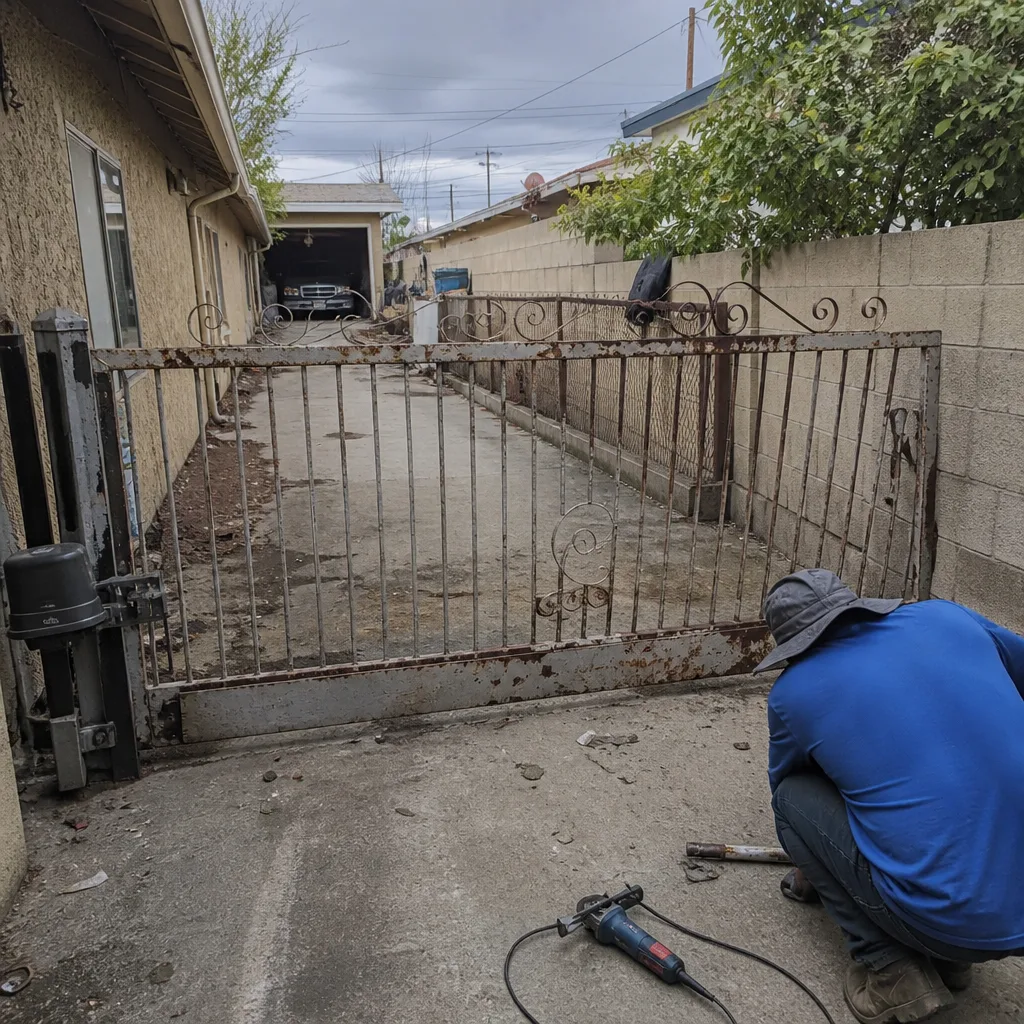 Before
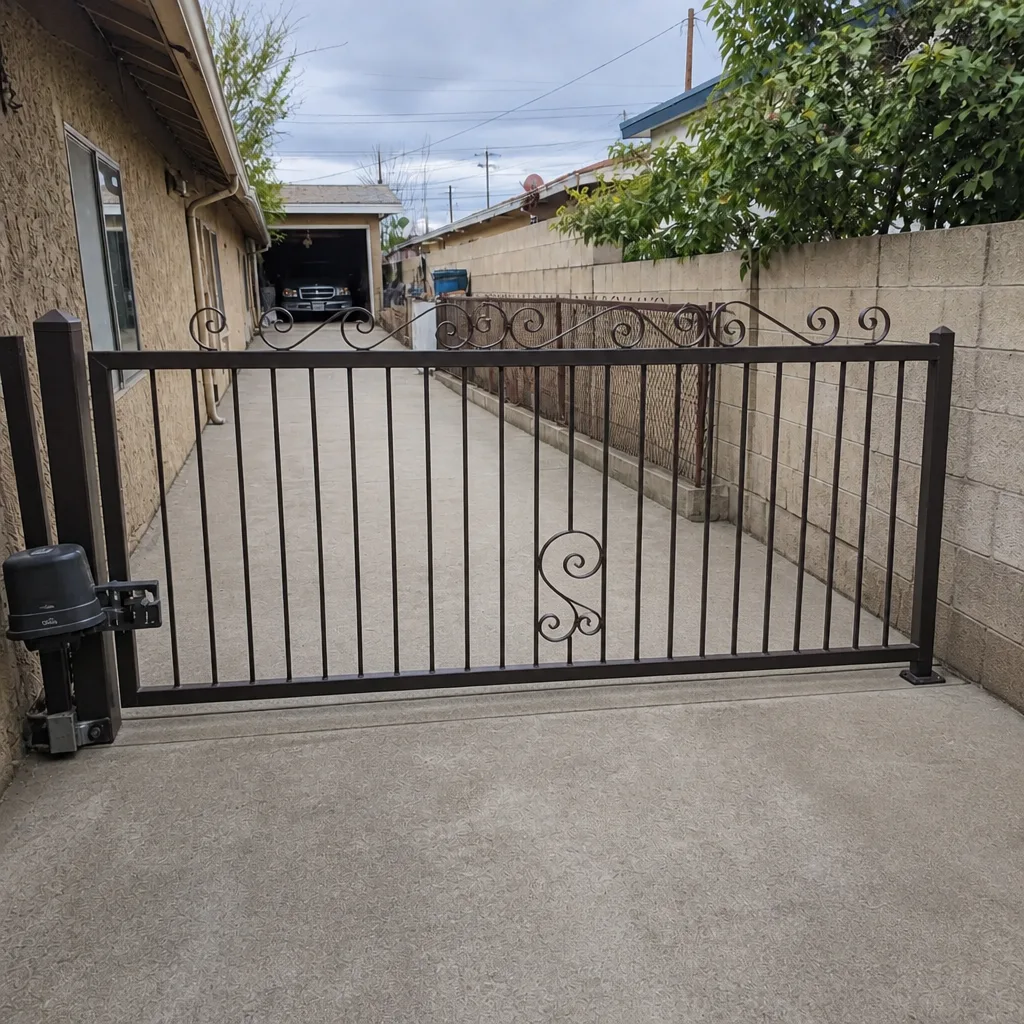 After
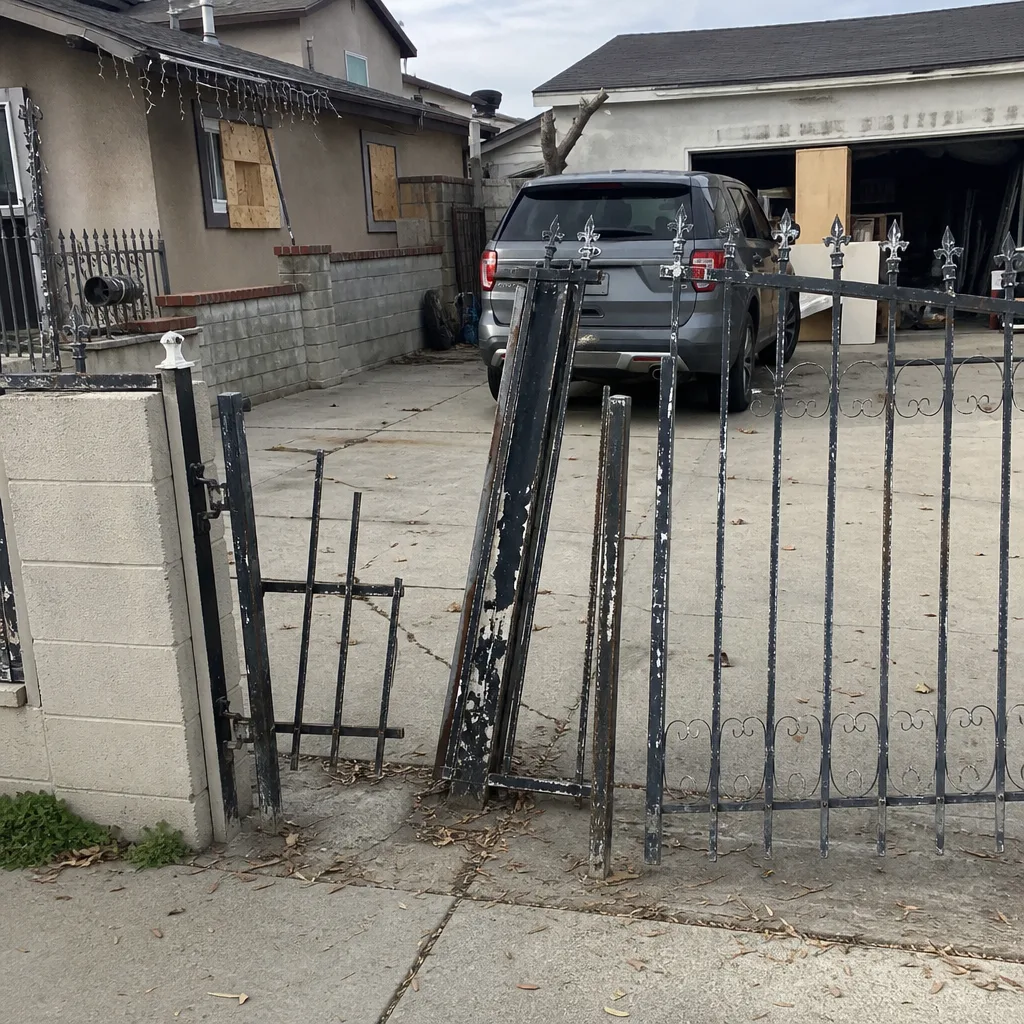 Before
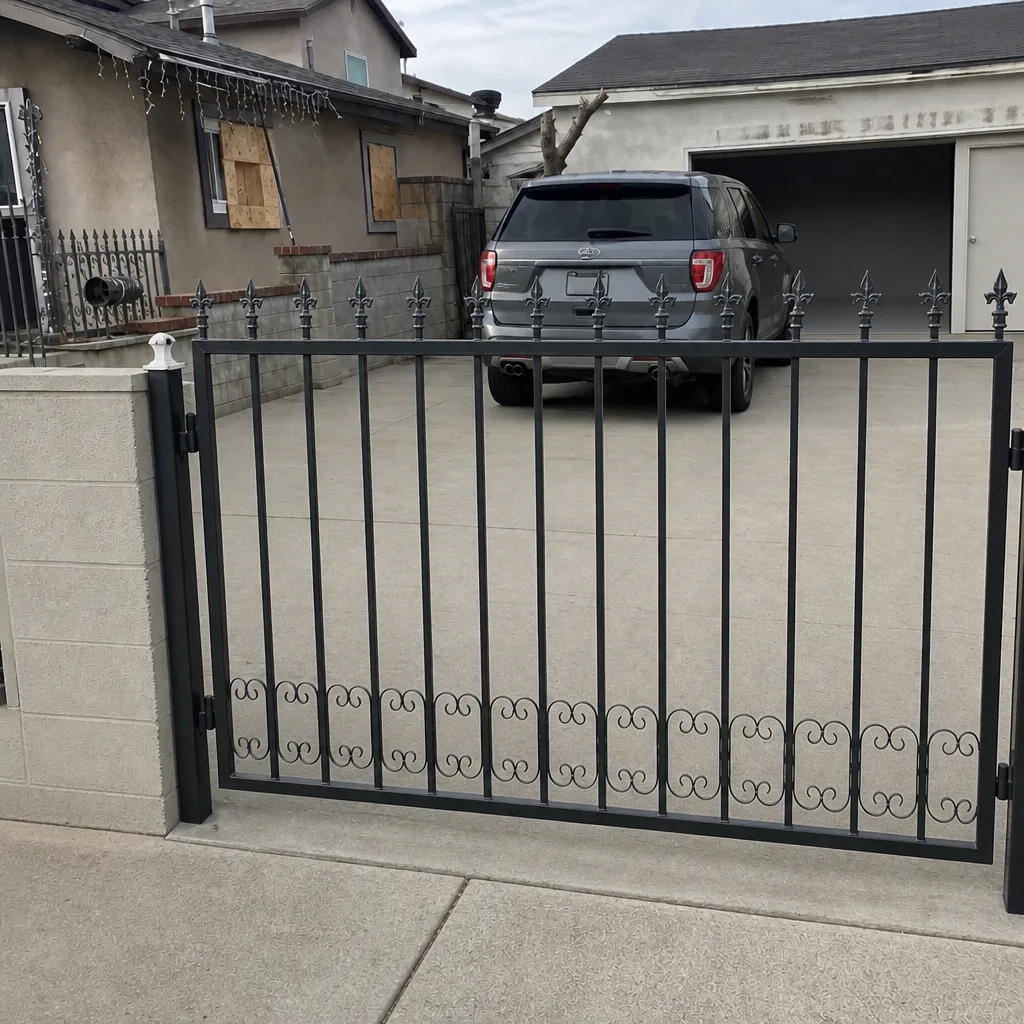 After
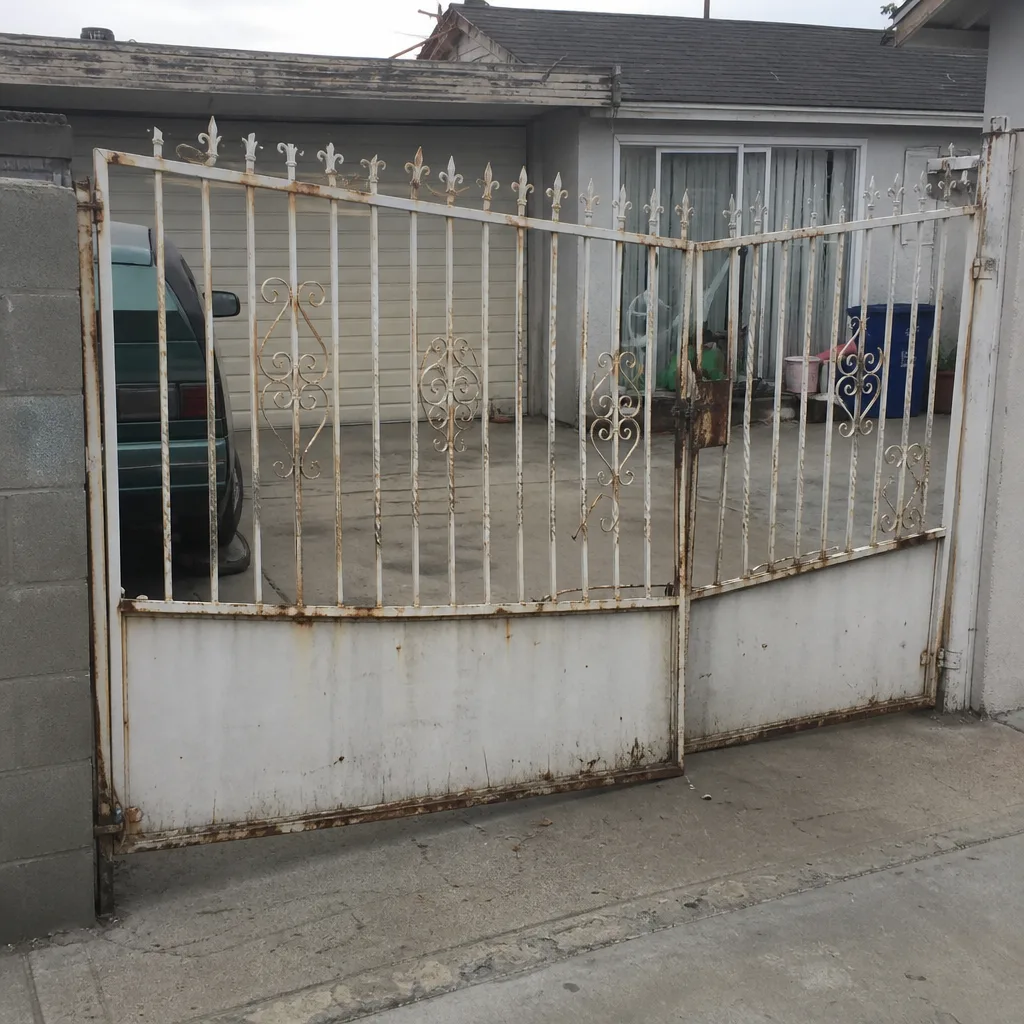 Before
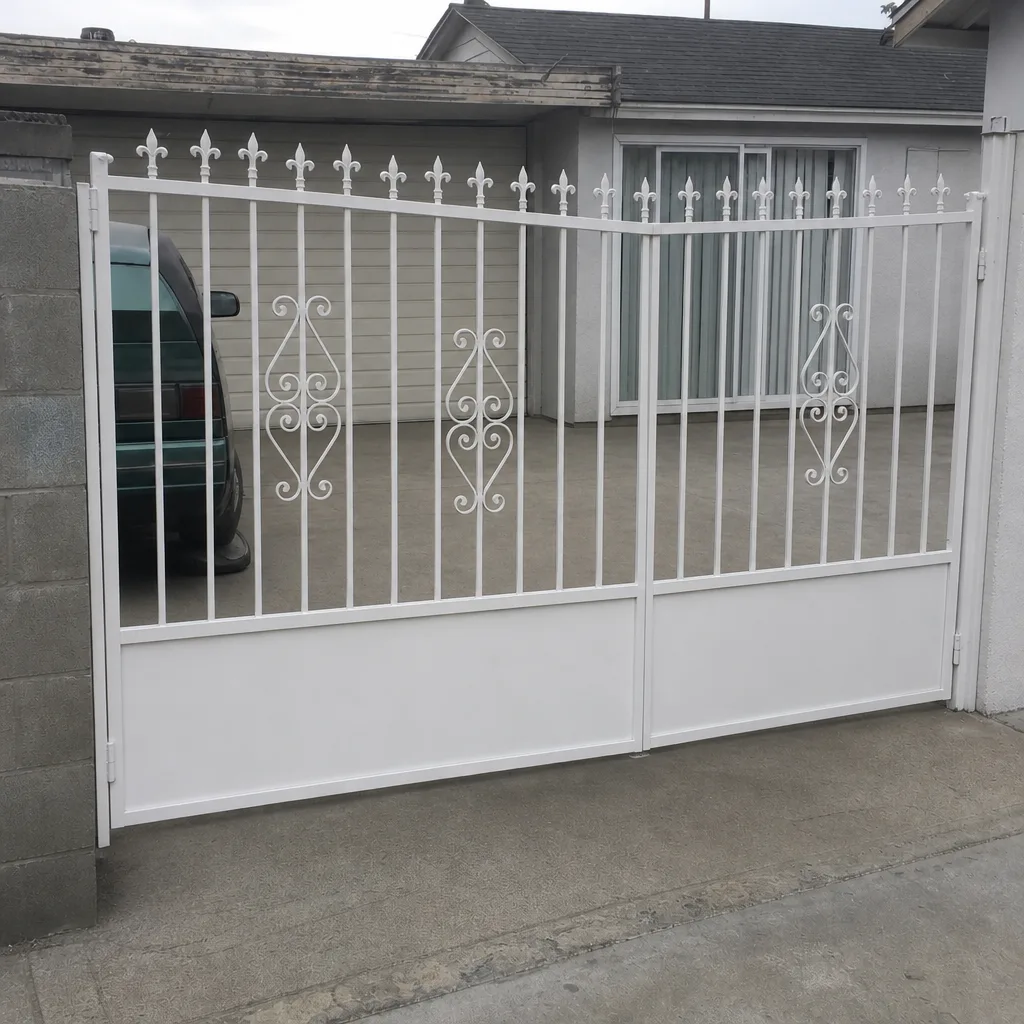 After